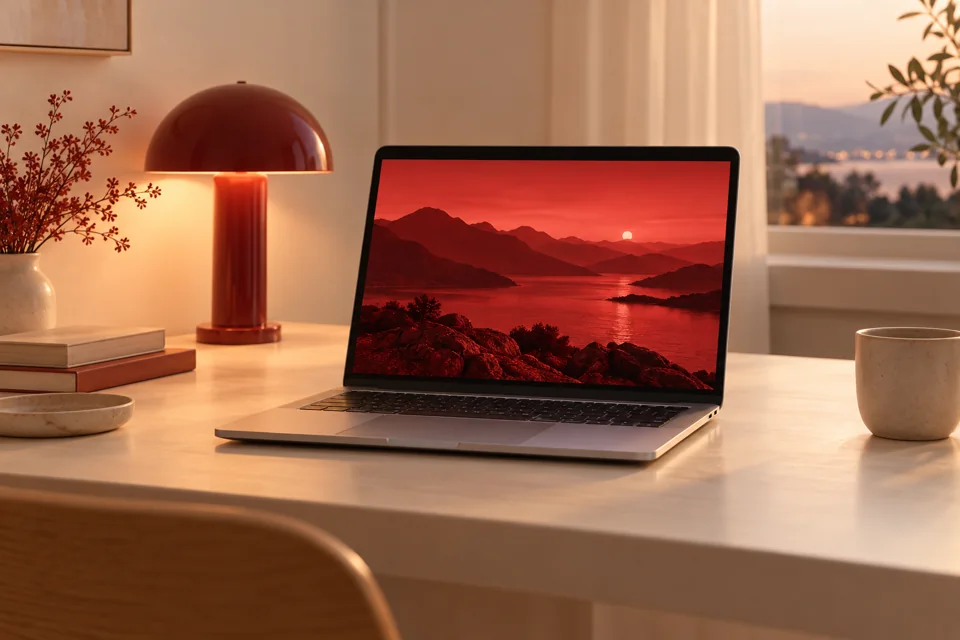
If you’re at your Mac late, a bright white screen gets old fast. RedFilter gives you a red-only screen you can turn on in a second and forget about.
Late-night work.
Code, write, or edit after dark without the glare.
Red-light evenings.
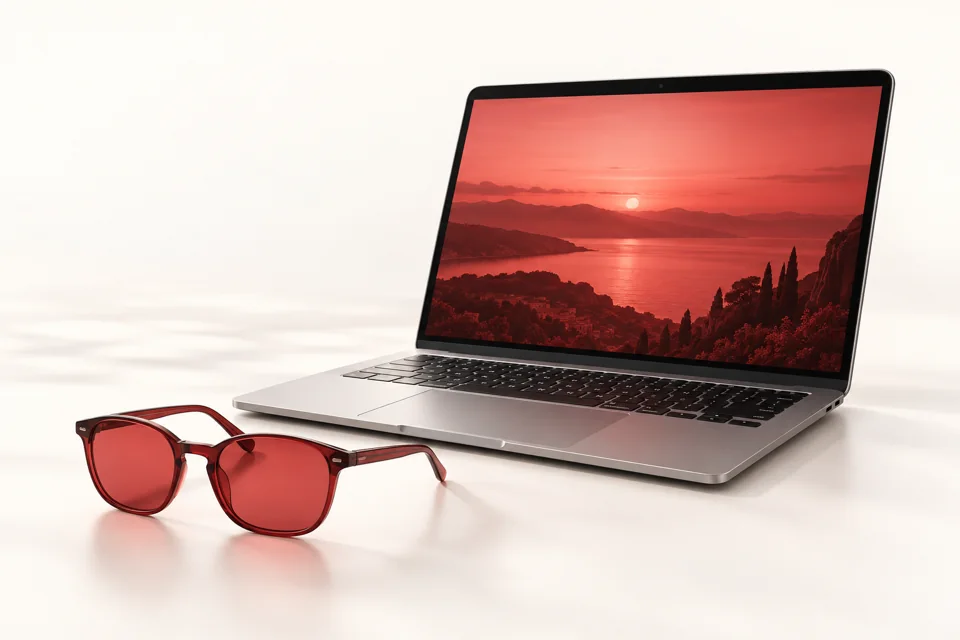
Already using red bulbs or red glasses after sunset? Now your Mac matches.
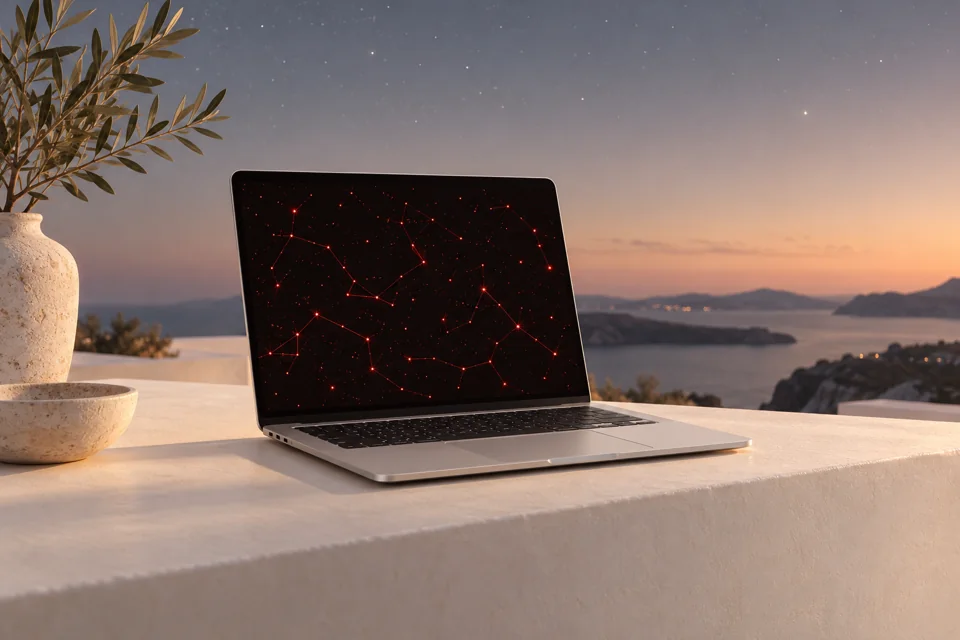
Stargazing and darkrooms.
Check a chart or a photo without wrecking your night vision.
Green and blue off. Red stays.
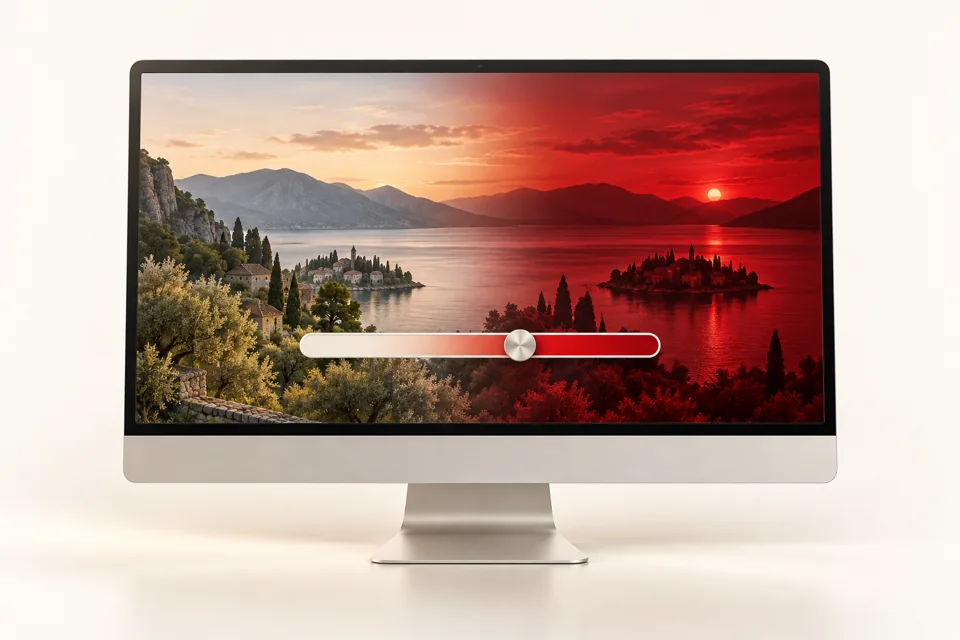
Your display mixes red, green and blue light. At full strength, RedFilter switches green and blue off and leaves red. It changes what the screen actually outputs. It doesn’t lay a red layer over your windows.
Want something milder? Slide the strength down.
How much the light drops depends on your display, so use the trial to see how it looks on yours.
Red light mode for Mac, built for the evening
Wind down with a red screen at night
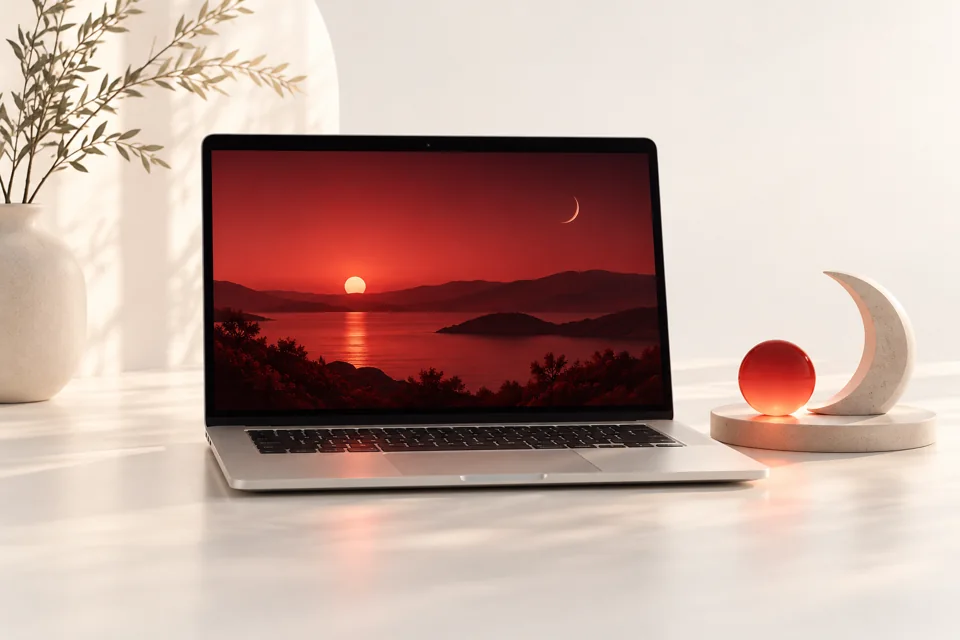
Your Mac is usually the brightest thing in the room after dark. Turn on RedFilter and it isn’t. Same screen, same work, much less light in your face. Make it part of your evening routine and your laptop stops working against it.
Cut blue and green light from your Mac display
Evening light, blue most of all, is one of the main cues your body uses to tell what time it is. RedFilter removes blue and green from your screen’s output completely. It isn’t a warm tint. At full strength, only red is left.
A softer, dimmer screen for dark rooms
A white screen in a dark room is harsh. A red one is dim and soft. Set the strength to whatever feels comfortable in your room, from a light shift to full red-only.
Red screen filter for astronomy and night vision
Astronomers have used red light for generations because it’s easy on night vision. Check a star chart, a forecast, or your photos without losing your dark adaptation. RedFilter gives you the same thing on your Mac.
Works with your red light glasses
Glasses handle the room. RedFilter handles your screen. Use both and there’s no white light left in your evening.
Schedule red light mode from sunset to sunrise
Pick sunset to sunrise, or set your own on and off times. RedFilter follows the sun automatically, even offline, so you only notice it when it comes on.
RedFilter isn’t a medical device and hasn’t been clinically tested. It doesn’t diagnose, treat or prevent any condition.
Product scenes are illustrative. Light reduction varies by display.
Up and running in a minute
01
Download and open.
Drag RedFilter into Applications and open it.
02
Allow it in macOS.
macOS will probably block it, because RedFilter isn’t notarized by Apple yet. Apple’s developer membership has a yearly fee, and I’m an independent developer. It’s on my list.
Show macOS approval steps +
After trying to open RedFilter, go to System Settings → Privacy & Security, click Open Anyway, then Open. This only applies to RedFilter. Never do it for an app you don’t trust.
Click the icon in your menu bar, start your trial, and choose a schedule.
FAQ
How is it different from Night Shift?+
Night Shift warms up your colors. At full strength, RedFilter removes green and blue completely, so you’re left with red.
Is it just a red overlay?+
No. It changes your display’s color output, so nothing sits on top of your apps. At full strength, only the red channel is left.
Will it work on my display?+
It depends on your Mac, your display and your settings. External monitors can behave differently, and how much light drops varies. The free trial is there so you can check on your own setup.
Do I need internet?+
Only to download the app, buy it, or restore a purchase. Filtering and schedules work offline once you’ve set things up.
How do the trial and purchase work?+
You get 3 days with every feature. You can buy anytime inside the app for $4.99. The purchase activates on that Mac automatically, with no code to enter.
Can I move my license to a new Mac?+
Not right now. Each purchase belongs to the Mac it was bought on, so a replacement Mac needs its own. If you need to reinstall on the same Mac, restore your purchase from the app.
Does it replace red glasses?+
No. RedFilter only changes your Mac’s screen. Glasses also cover lamps, TVs and everything else around you. A lot of people use both.
Why is the app not notarized?+
Apple’s developer membership has a yearly fee, and I haven’t joined yet. The Open Anyway step creates an exception for RedFilter only. Notarization is planned.
Does it improve sleep or eye strain?+
I don’t claim that. RedFilter hasn’t been clinically tested for either. It changes the light your screen gives off, and what that means for you is up to you.
Try it tonight.
Three days, everything unlocked. If it’s not for you, delete it.